 CODEerts
Tools app for Odoo
User Field Visibility Control
Hide specific fields per user across all Odoo views, no custom code required.
Overview
User Field Visibility Control.
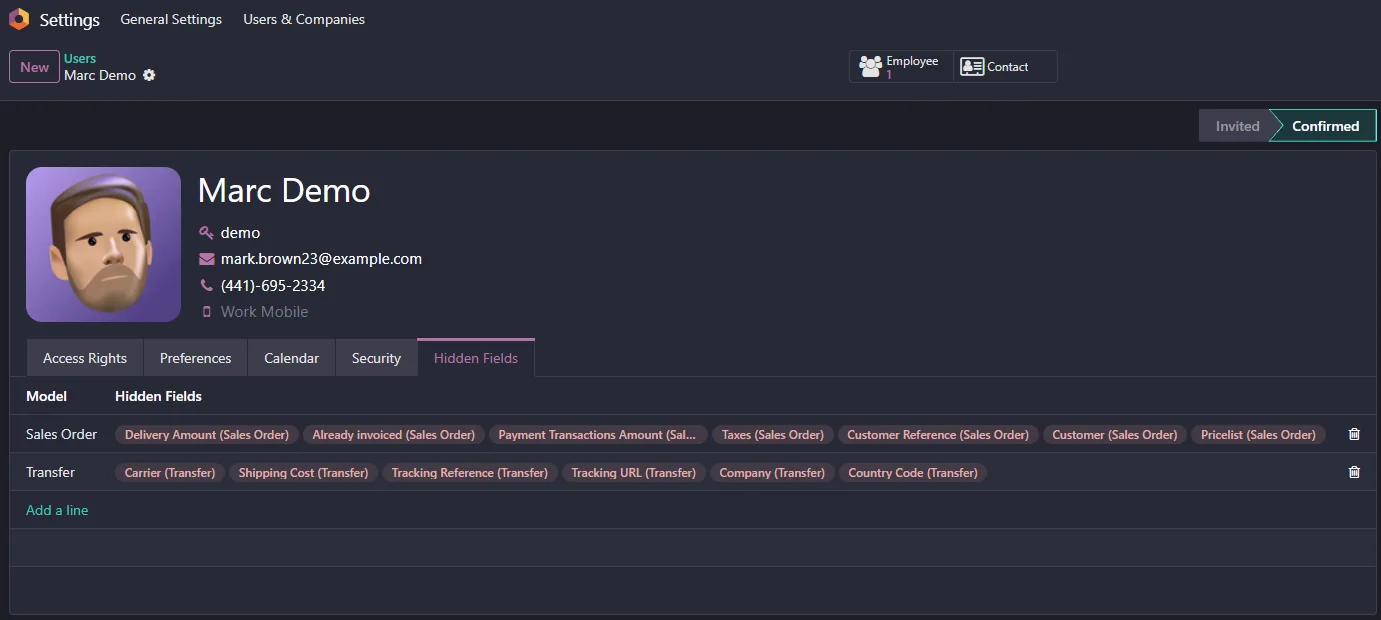
User Field Visibility Control lets administrators hide specific fields for chosen users across all Odoo views, giving you fine-grained control over what each user sees without writing custom code.
How it works
Built around what you actually do.
Every screen below is the module running in Odoo, not a mockup.
01
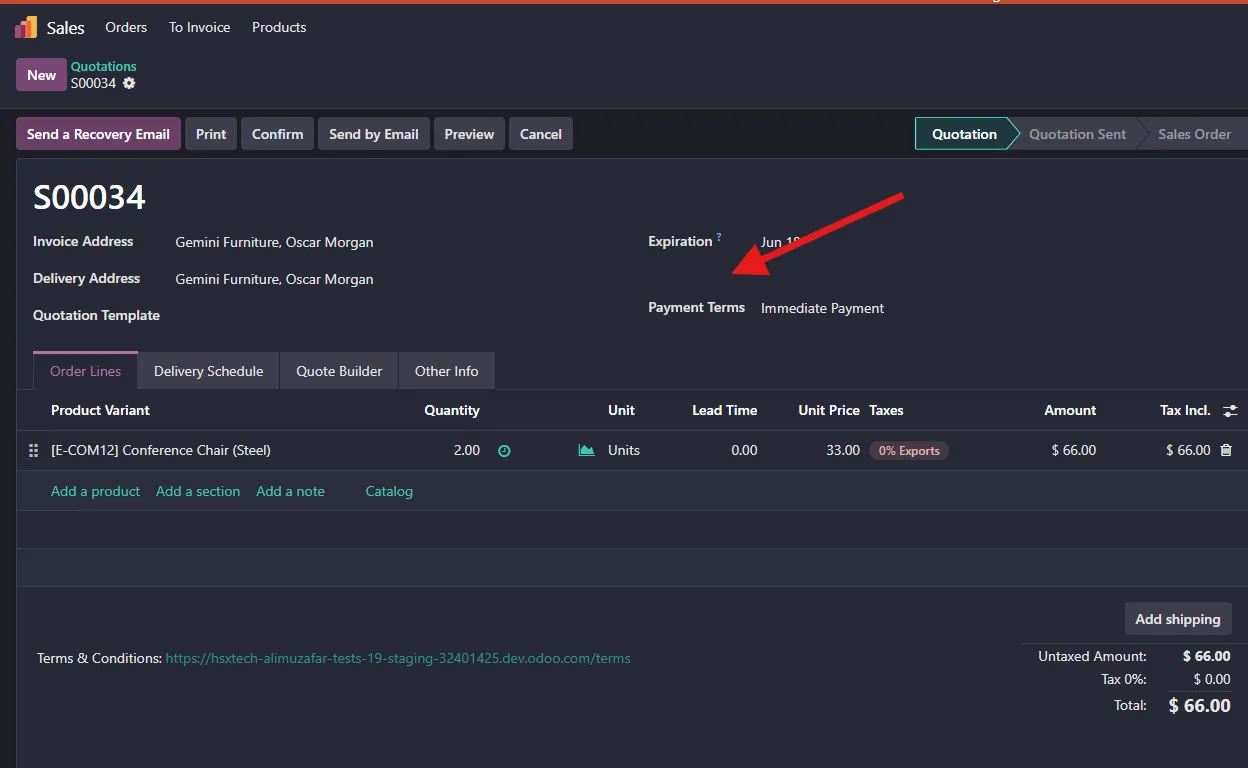
Hide specific fields for specific users
- Applies across all views
02
No custom code required
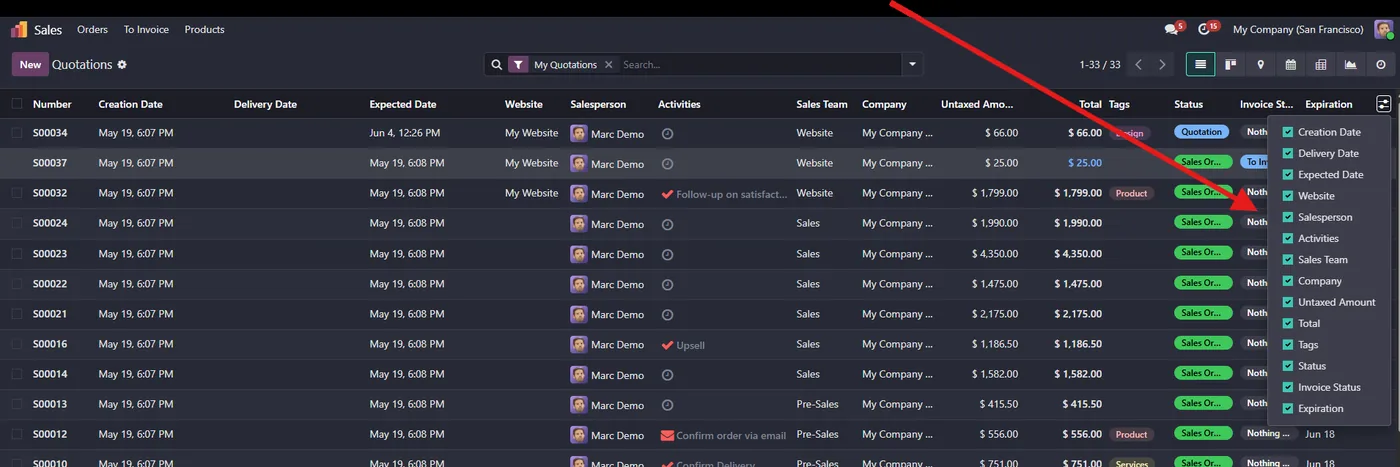
User Field Visibility Control gives Odoo administrators fine-grained control over what each user sees, down to the individual field. Hide specific fields for specific users across all views, with no custom development and no need to maintain separate view definitions.
What it does
From a simple configuration, you choose which fields should be hidden for which users. The module then enforces that visibility everywhere those fields appear, so sensitive information such as costs, margins, salaries or personal data stays out of view for users who should not see it, without changing the underlying records.
Who it's for
Administrators and managers who need field-level privacy and control in Odoo without commissioning custom development for every requirement.
Questions
About User Field Visibility Control.
How do I hide specific fields per user in Odoo?
User Field Visibility Control hides chosen fields per user across all Odoo views, with no custom code.
Can I hide a field from one user but show it to others in Odoo?
Yes, you configure visibility per user and the field is hidden across every view for that user.
Does it require development?
No, it is configuration-only.
Does hiding a field per user in Odoo change the underlying data?
No. It only controls what each user sees in the views. The records and their values stay intact, so hidden fields such as cost, margin or salary are simply kept out of view for the chosen users without altering any data.
Who can configure field visibility in Odoo with this module?
Configuration is done by an administrator, who chooses which fields to hide for which users. Once set, the visibility is enforced automatically everywhere those fields appear, so you do not have to touch individual views or user profiles again.
Does User Field Visibility Control work on Odoo Community and Enterprise?
Yes. It layers on top of standard Odoo views without custom code, so it runs on both Community and Enterprise. The Odoo Apps Store listing shows the exact version each branch supports.
On the Odoo Store
Get User Field Visibility Control on the Odoo Store.
Pick your Odoo version and install it in a click, with free updates and real support behind it.
Get it on the Odoo StoreReady to make Odoo work the way your business does?
Book a free call CODEerts
CODEerts is a team of certified Odoo partners and full-stack engineers. We implement, customise and support Odoo ERP, then build the software around it.

