CODEerts
Odoo 20
Field Tracking Manager: Track Any Field in Odoo for Odoo 20
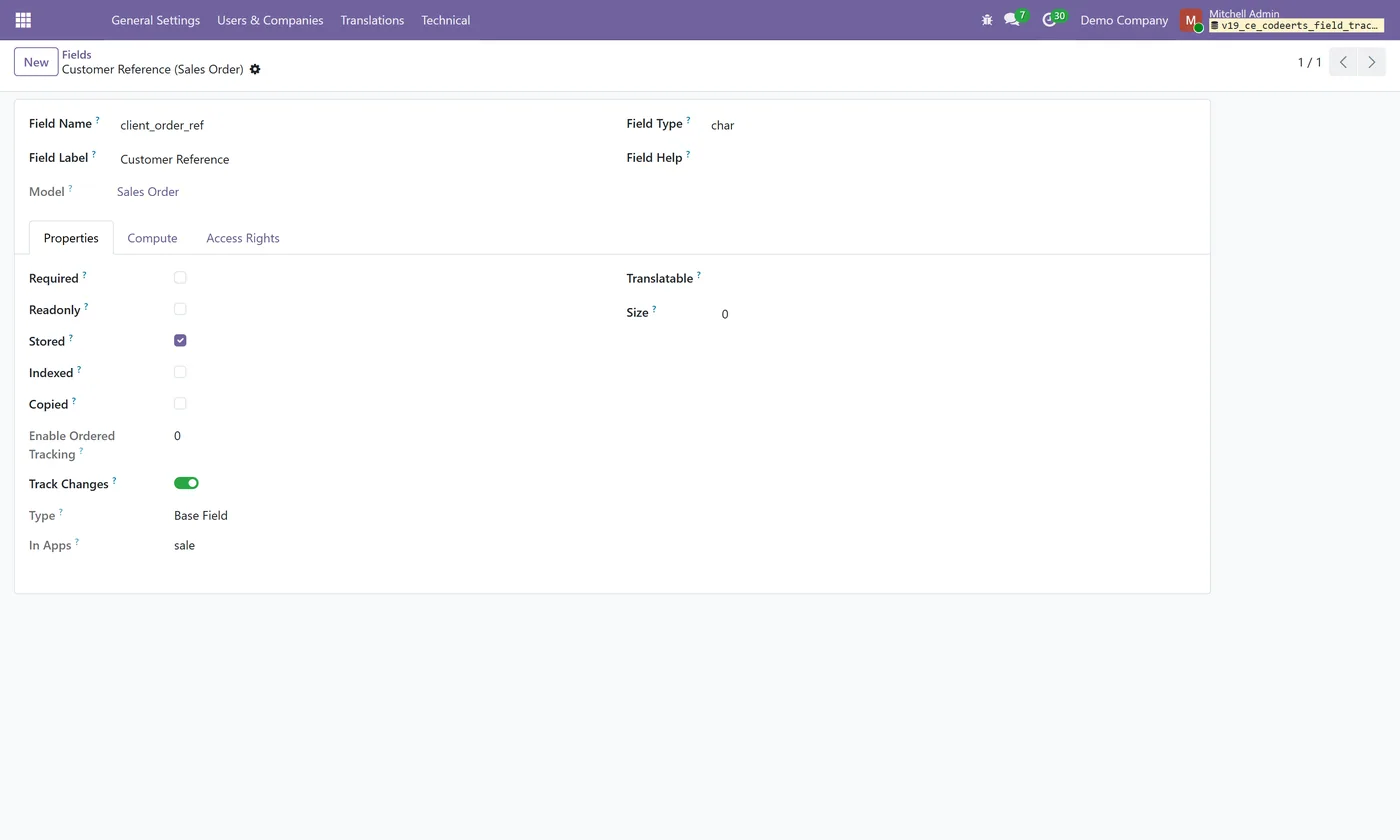
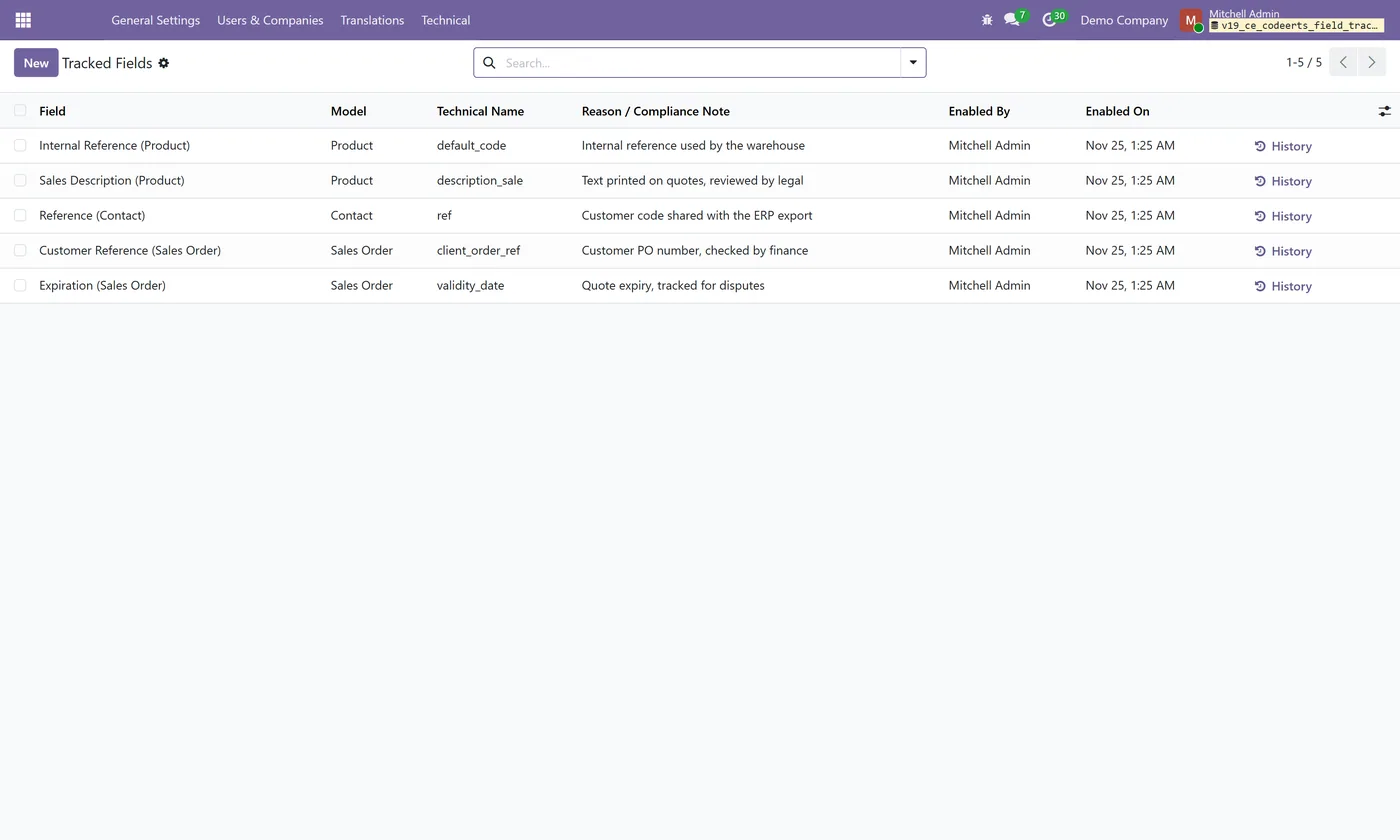
Switch on change tracking for any field of any Odoo model in one click, without code. Every change is logged in the record chatter with who made it, when, and the old and new value, and one Change History report lists every change for audits.
Availability on Odoo 20
Which versions this module supports.
Field Tracking Manager: Track Any Field in Odoo runs on Odoo 20. This page covers availability, licensing and how to install it on 20 specifically. For the full feature breakdown, see the main Field Tracking Manager: Track Any Field in Odoo page.
| Odoo version | Status | Available |
|---|---|---|
| Odoo 20 | Supported (this page) | Yes |
| Odoo 19 | Supported | Yes |
| Odoo 18 | Supported | Yes |
In short
What it does.
A summary for Odoo 20. The full breakdown is on the main Field Tracking Manager: Track Any Field in Odoo page.
- Track Changes switch on every field in Settings, right under Odoo's own tracking setting
- Works on standard fields, not only custom ones, and survives module upgrades
- Changes appear in the record chatter exactly like standard Odoo tracking
- Who changed it, when, the old value and the new value, for every tracked change
Other Odoo versions
Running something else?
The same module, published per version.
Questions
About Field Tracking Manager: Track Any Field in Odoo on Odoo 20.
Does Field Tracking Manager: Track Any Field in Odoo work on Odoo 20?
Yes. Field Tracking Manager: Track Any Field in Odoo is published for Odoo 20 on the official Odoo Apps Store, and we maintain it across the versions listed above.
How do I install it on Odoo 20?
Buy or download it from the Odoo Store listing for 20, add it to your addons path or install it directly on Odoo.sh or Odoo Online where supported, then update the apps list and install. We can do the install for you if you would rather not.
What happens when I upgrade Odoo?
We maintain the module across current major versions, so an upgrade path exists as long as the target version is listed above. Tell us before you upgrade and we will confirm.
Full details
Everything Field Tracking Manager: Track Any Field in Odoo does.
Features, screenshots, setup and FAQs on the main module page.
Open the Field Tracking Manager: Track Any Field in Odoo pageReady to make Odoo work the way your business does?
Book a free call CODEerts
 is a team of certified Odoo partners and full-stack engineers. We implement, customise and support Odoo ERP, then build the software around it.