CODEerts
Odoo 20
Recycle Bin for Odoo 20
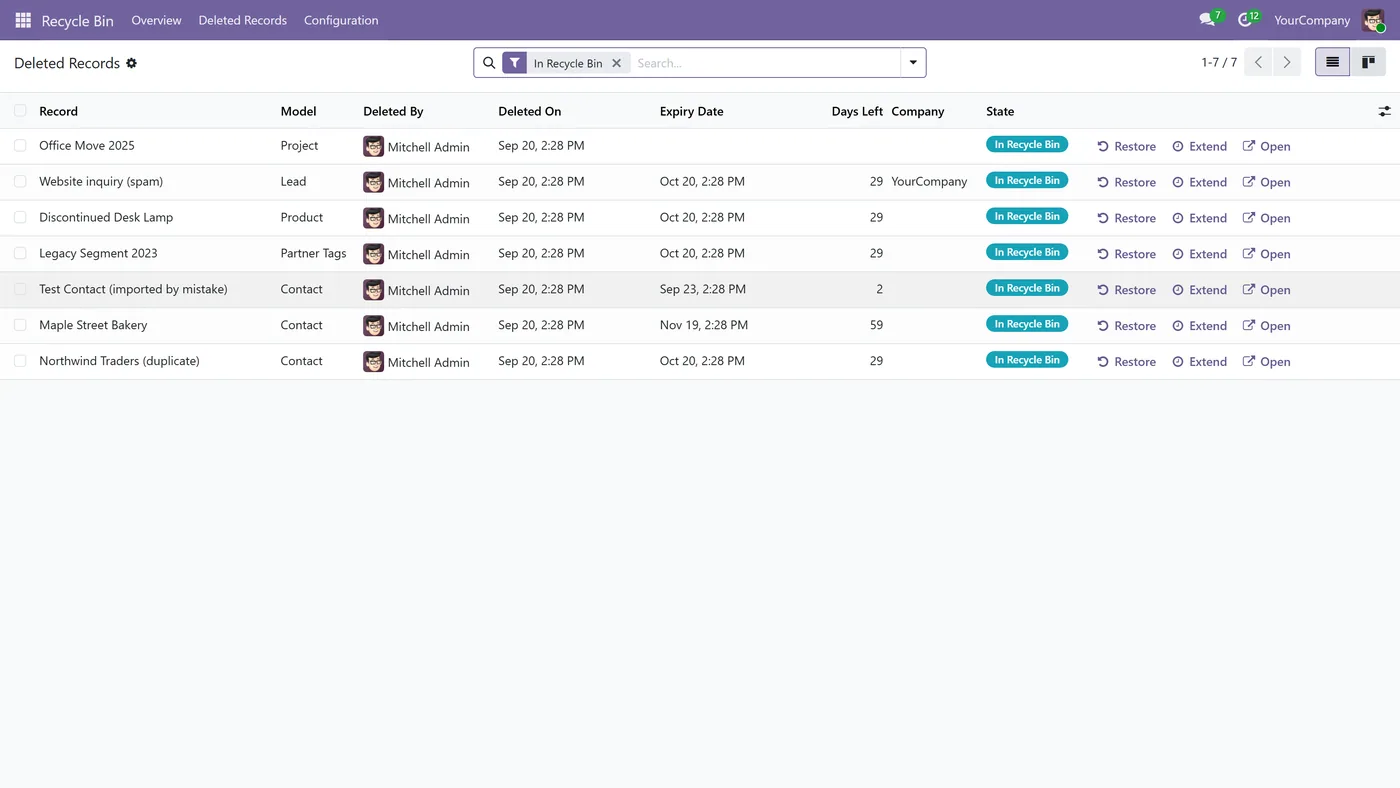
Deleted records go to a Recycle Bin instead of disappearing, stay recoverable for a retention period you set, then are permanently deleted automatically.
Availability on Odoo 20
Which versions this module supports.
Recycle Bin runs on Odoo 20. This page covers availability, licensing and how to install it on 20 specifically. For the full feature breakdown, see the main Recycle Bin page.
| Odoo version | Status | Available |
|---|---|---|
| Odoo 20 | Supported (this page) | Yes |
| Odoo 19 | Supported | Yes |
| Odoo 18 | Supported | Yes |
In short
What it does.
A summary for Odoo 20. The full breakdown is on the main Recycle Bin page.
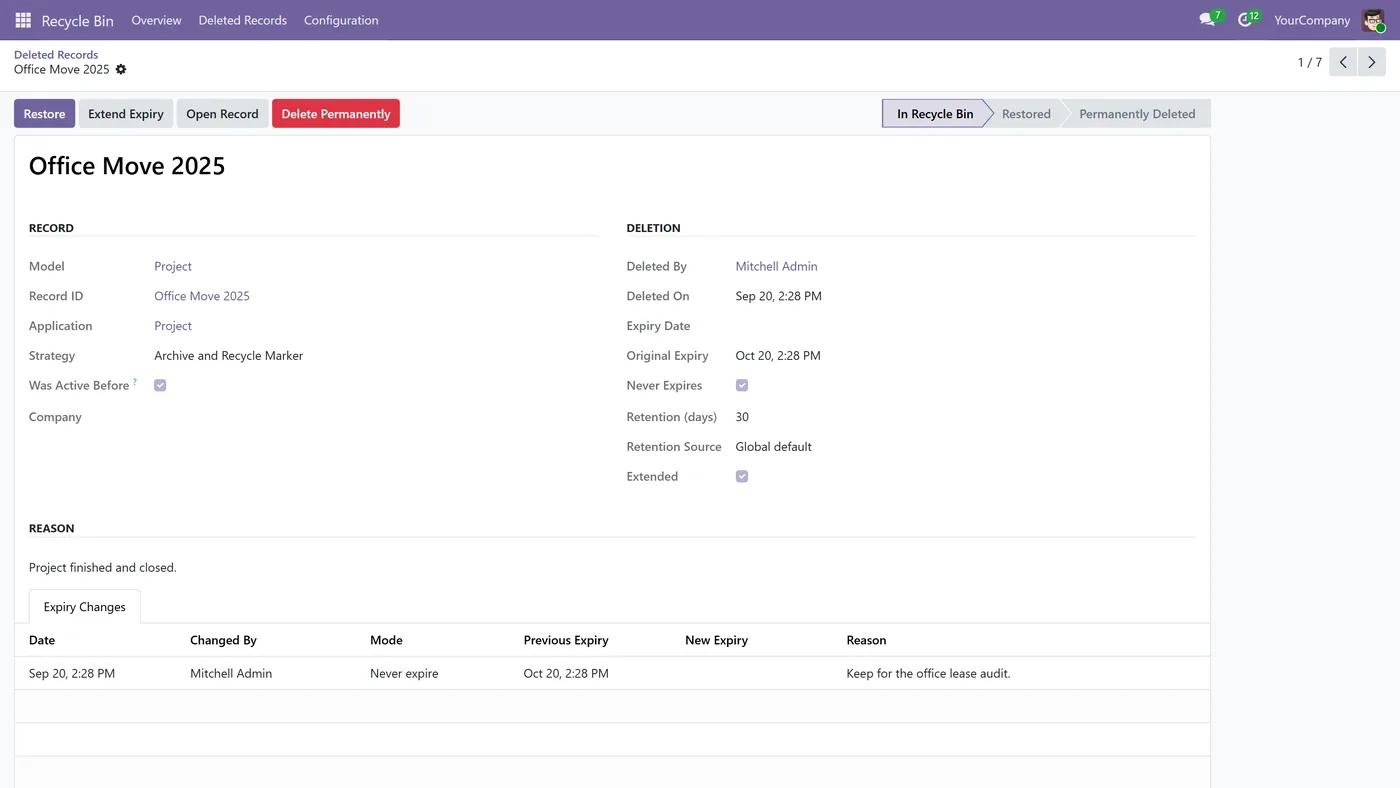
- Deleted records stay in their own table with the same ID, chatter, attachments and links, so a restore returns the original record
- Retention set globally, per application or per model, with an expiry date on every record
- Permanent deletion runs on Odoo's own daily cleanup, and a record that cannot be deleted is reported instead of retried forever
- Extend an expiry, or mark a record never to be deleted automatically, with every change logged
Other Odoo versions
Running something else?
The same module, published per version.
Questions
About Recycle Bin on Odoo 20.
Does Recycle Bin work on Odoo 20?
Yes. Recycle Bin is published for Odoo 20 on the official Odoo Apps Store, and we maintain it across the versions listed above.
How do I install it on Odoo 20?
Buy or download it from the Odoo Store listing for 20, add it to your addons path or install it directly on Odoo.sh or Odoo Online where supported, then update the apps list and install. We can do the install for you if you would rather not.
What happens when I upgrade Odoo?
We maintain the module across current major versions, so an upgrade path exists as long as the target version is listed above. Tell us before you upgrade and we will confirm.
Full details
Everything Recycle Bin does.
Features, screenshots, setup and FAQs on the main module page.
Open the Recycle Bin pageReady to make Odoo work the way your business does?
Book a free call CODEerts
 is a team of certified Odoo partners and full-stack engineers. We implement, customise and support Odoo ERP, then build the software around it.