 CODEerts
Point of Sale app for Odoo
HyperPay All-in-One (Website + POS)
Accept HyperPay (OPPWA) card payments across your Odoo website checkout and your Point of Sale counter, MADA, Visa and Mastercard, with server-verified payments, scan-to-pay QR and refunds, in one install.
Overview
HyperPay All-in-One (Website + POS).
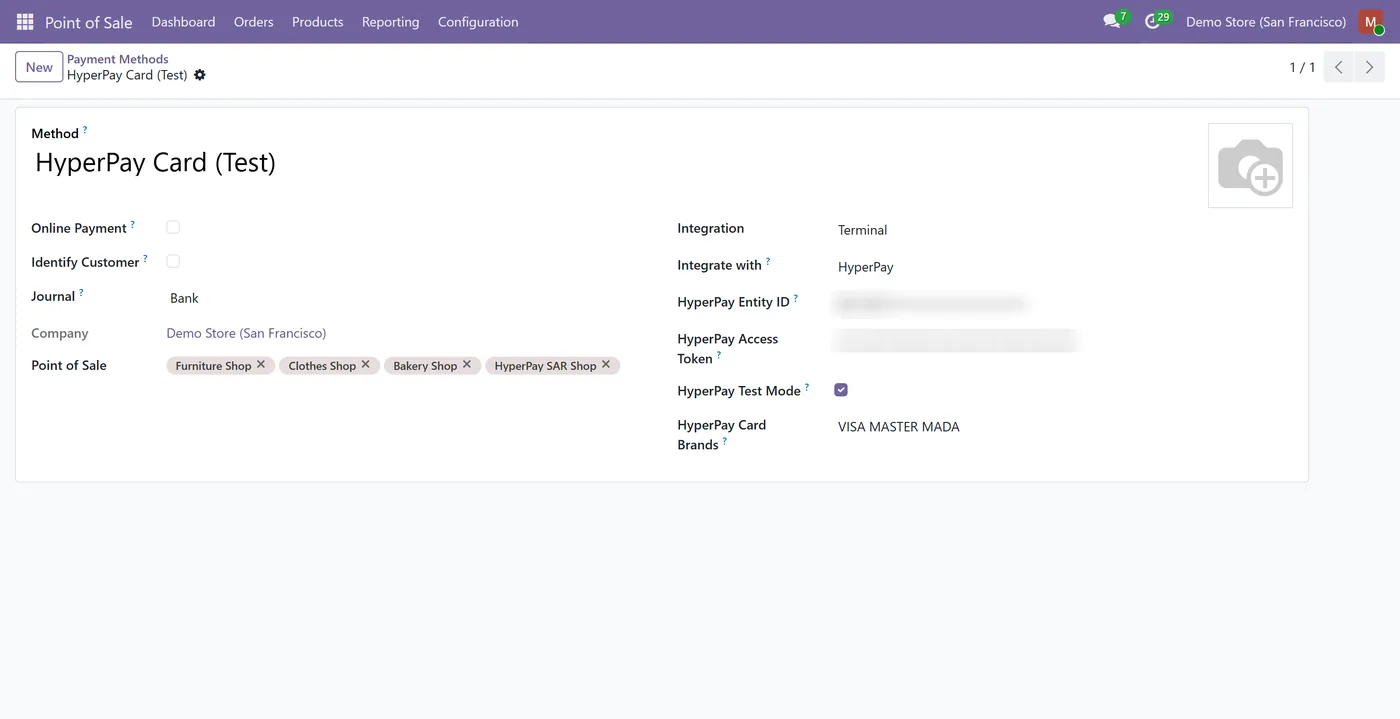
HyperPay All-in-One combines the HyperPay (OPPWA) website payment provider and the Point of Sale payment method in a single module. Online shoppers pay by card with Copy&Pay right in your Odoo payment page, and at the counter the cashier taps HyperPay and shows a scan-to-pay QR the customer pays on their phone. Every payment is confirmed server-side before the order or invoice is marked paid, and refunds go back to HyperPay. It supports MADA, Visa and Mastercard, and credentials are configured per channel.
New to Odoo Point of Sale? Read our practical guide to how it works
How it works
Built around what you actually do.
Every screen below is the module running in Odoo, not a mockup.
01
HyperPay (OPPWA) for both website checkout and Point of Sale in one install
- Copy&Pay card payments in your Odoo payment page, no redirect out
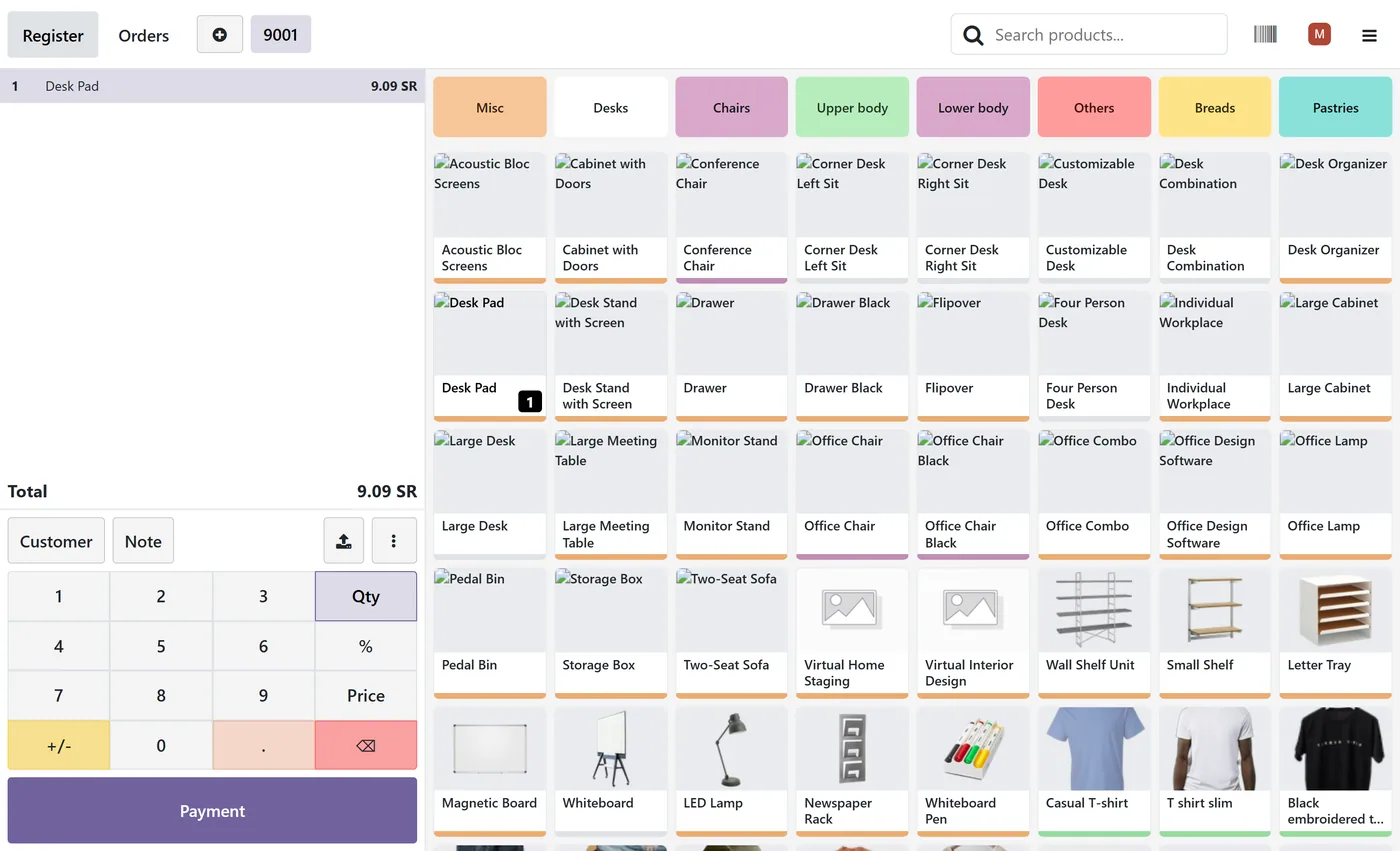
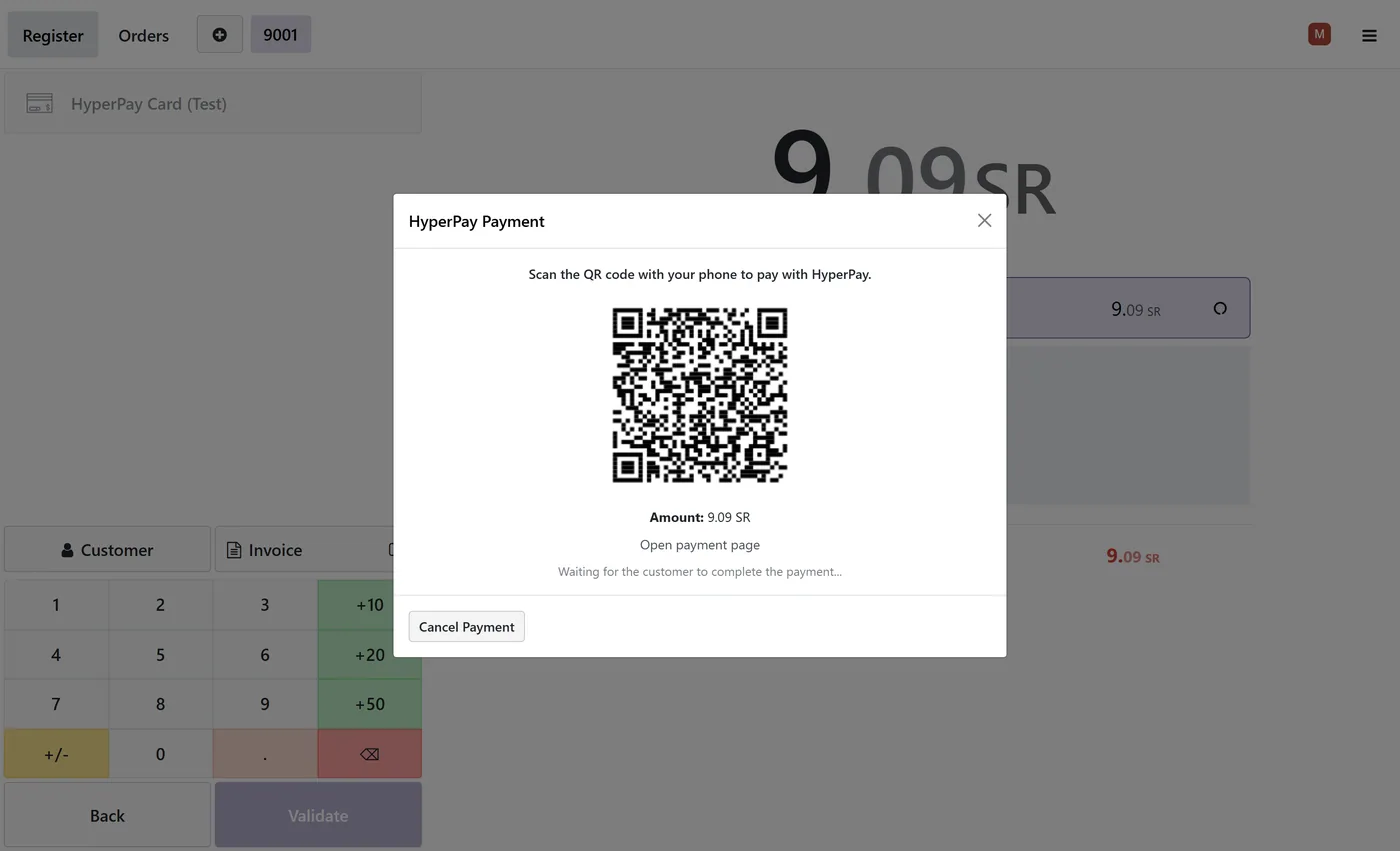
- Scan-to-pay QR at the POS counter, the customer pays on their phone
02
MADA, Visa and Mastercard on HyperPay's secure hosted page
- Every payment confirmed server-side before the order or invoice is marked paid
- Refunds sent back to HyperPay from both the transaction and a POS refund
03
No card terminal hardware required at the counter
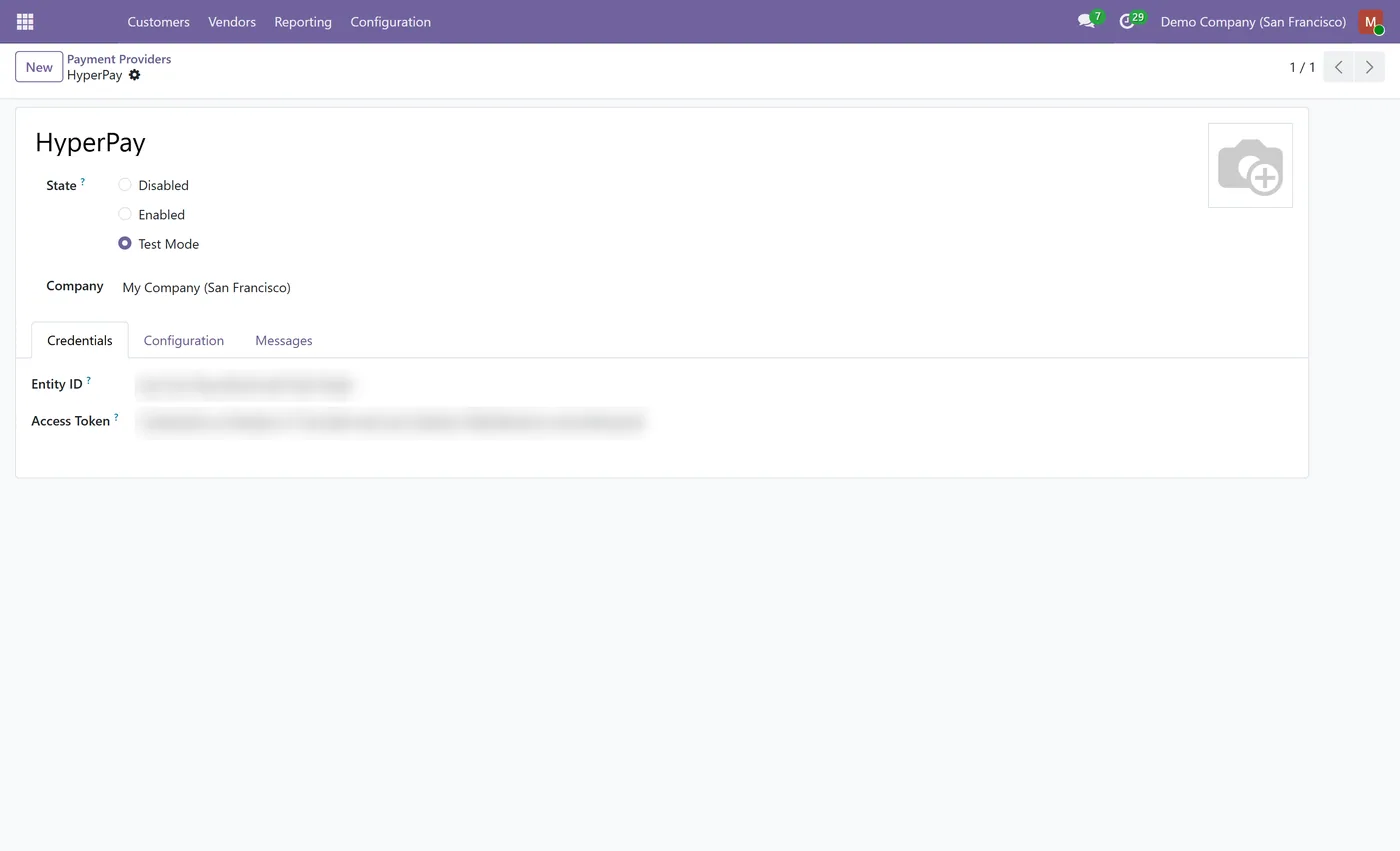
- Credentials configured per channel, stored as system-only fields
Every screen
The whole module, screen by screen.
The captures the walkthrough above did not use, in the order you meet them in the product.
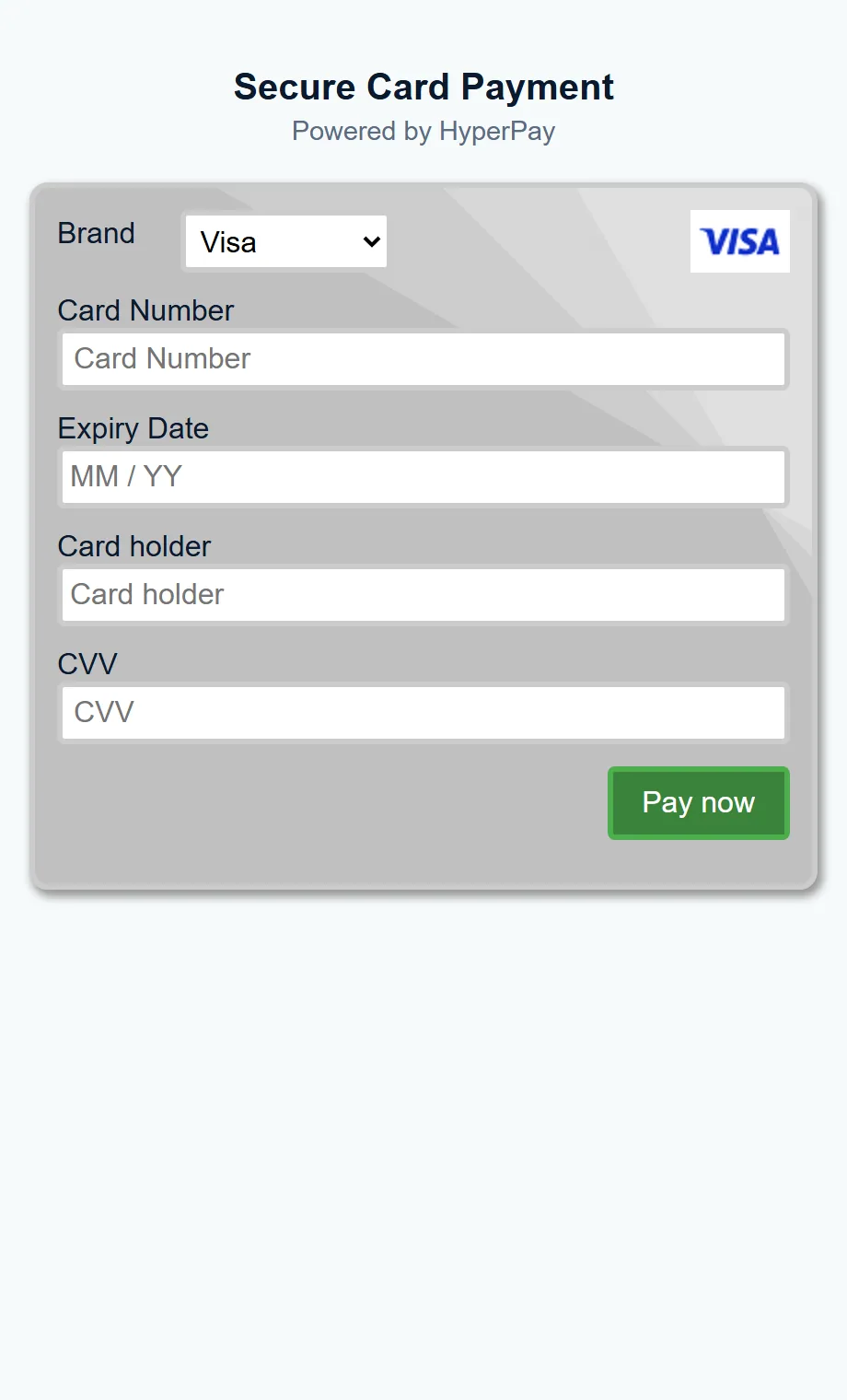
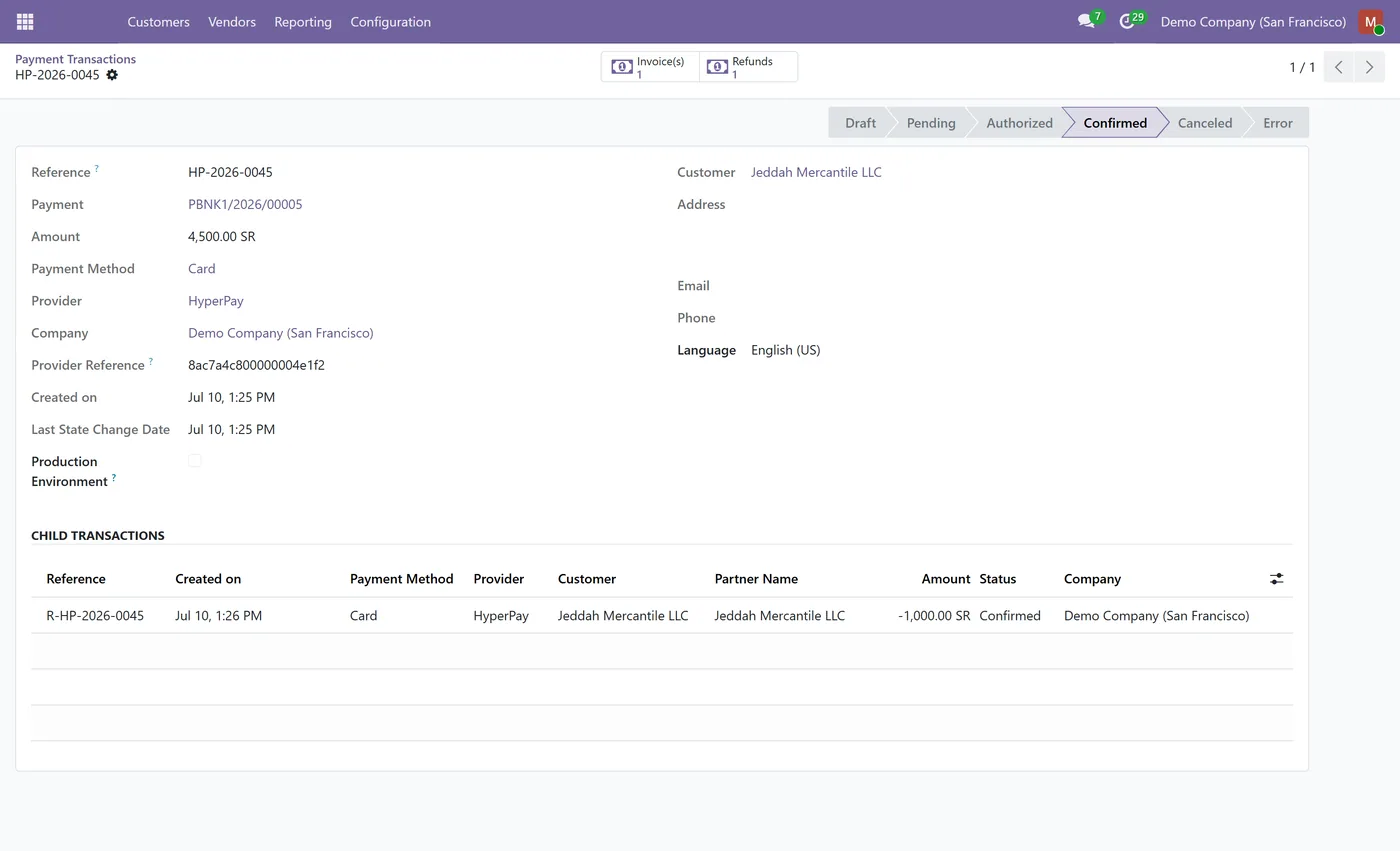
HyperPay All-in-One puts HyperPay (OPPWA) card payments on both of your sales channels at once, your Odoo website checkout and your Point of Sale counter, so customers pay by MADA, Visa or Mastercard online or in the shop, and every payment is confirmed before the order is marked paid.
What it does
Online, HyperPay becomes a payment provider on your Odoo payment page: the shopper pays by card with the Copy&Pay widget, without being redirected to an external site, and the transaction is verified server-to-server before the invoice or sale is marked paid. At the counter, HyperPay becomes a Point of Sale payment method: the cashier taps HyperPay, the POS creates an OPPWA checkout and shows a QR code and link, the customer scans it and pays on their phone, and the POS confirms the payment server-side and validates the order automatically. Refunds go back to HyperPay from either channel. Credentials are configured per channel, so the website provider and the POS method each keep their own HyperPay Entity ID and Access Token.
Who it's for
Merchants in Saudi Arabia and the Gulf who sell both online and in person on Odoo, use HyperPay (OPPWA), and want one module that accepts MADA, Visa and Mastercard on the website and at the POS, with payments confirmed and reconciled automatically.
Proven in production
Not just published.
This module came out of real client work. Here is the engagement it was built in.
Questions
About HyperPay All-in-One (Website + POS).
Does HyperPay All-in-One cover both my Odoo website and my POS?
Yes. It installs the HyperPay payment provider for website, eCommerce and invoices, and the HyperPay payment method for Point of Sale, in one module. You configure each channel's credentials once and both are ready to take card payments.
How do online customers pay by card with HyperPay in Odoo?
On the Odoo payment page the customer enters their card in HyperPay's Copy&Pay widget and pays without being redirected to an external site. The payment is verified server-side before the order or invoice is marked paid.
How does the POS card payment work?
The cashier taps the HyperPay payment method and the POS shows a QR code and link. The customer scans it with their phone and pays by card on HyperPay's secure page. The POS confirms the payment server-side and validates the order automatically, with no terminal hardware needed.
Which cards are supported?
MADA, Visa and Mastercard, so shoppers in Saudi Arabia and the Gulf can pay with local MADA cards as well as international cards, both online and at the counter.
Can I refund a HyperPay payment?
Yes. Refund from the website transaction, or process a POS refund paid back with the HyperPay method, and the module sends the refund request to HyperPay against the original payment.
Do I still need the separate HyperPay website and POS modules?
No. HyperPay All-in-One replaces both of them. Install this module instead of the two standalone modules, not alongside them.
Which Odoo versions does HyperPay All-in-One support?
Use the version selector at the top of this page to pick your Odoo release. Each Odoo Apps Store listing installs the build that matches that version.
On the Odoo Store
Get HyperPay All-in-One (Website + POS) on the Odoo Store.
Pick your Odoo version and install it in a click, with free updates and real support behind it.
Get it on the Odoo StoreReady to make Odoo work the way your business does?
Book a free call CODEerts
CODEerts is a team of certified Odoo partners and full-stack engineers. We implement, customise and support Odoo ERP, then build the software around it.

