

A coffee chain looks simple from the counter and gets complicated in the back room. Every branch sells the same menu, but each one burns through milk, beans and cups at its own pace, and nobody wants five people placing five purchase orders with the same roaster. This guide shows how Odoo keeps the tills, the branch stock and the buying connected.
Applies to: Odoo 20, Point of Sale and Inventory. Screens are from Odoo 20 with demo data.
How should a coffee chain be modelled in Odoo?
For branches owned by one business, the usual shape is:
- One company, so accounting, products and suppliers are shared.
- One warehouse per branch, plus a central warehouse or store room that receives the big deliveries.
- One Point of Sale per branch, linked to that branch's warehouse.
If the branches are separate legal entities, for example franchised outlets, the picture changes to several companies. That is a different design, and it is worth deciding before any data is entered.
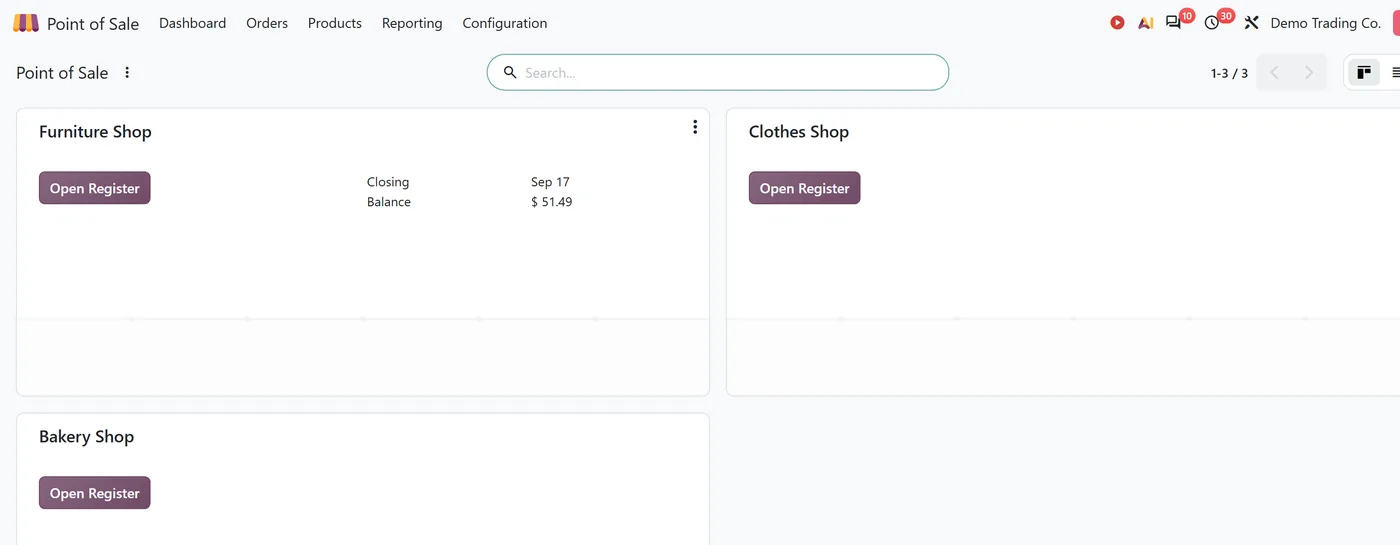
How does each till take stock from the right branch?
Every Point of Sale has an Operation Type, which is the delivery type of a warehouse in your company. When a branch's session closes, the sales leave stock from that warehouse and nowhere else.
That one link is what makes branch stock trustworthy. Point it at the wrong warehouse and the central store looks empty while the branch looks overstocked, so check it when you set up each till.
How do branches get restocked from a central store?
On each branch warehouse, tick Resupply From and choose the central warehouse. Odoo then creates routes to resupply the branch from the warehouses you ticked.
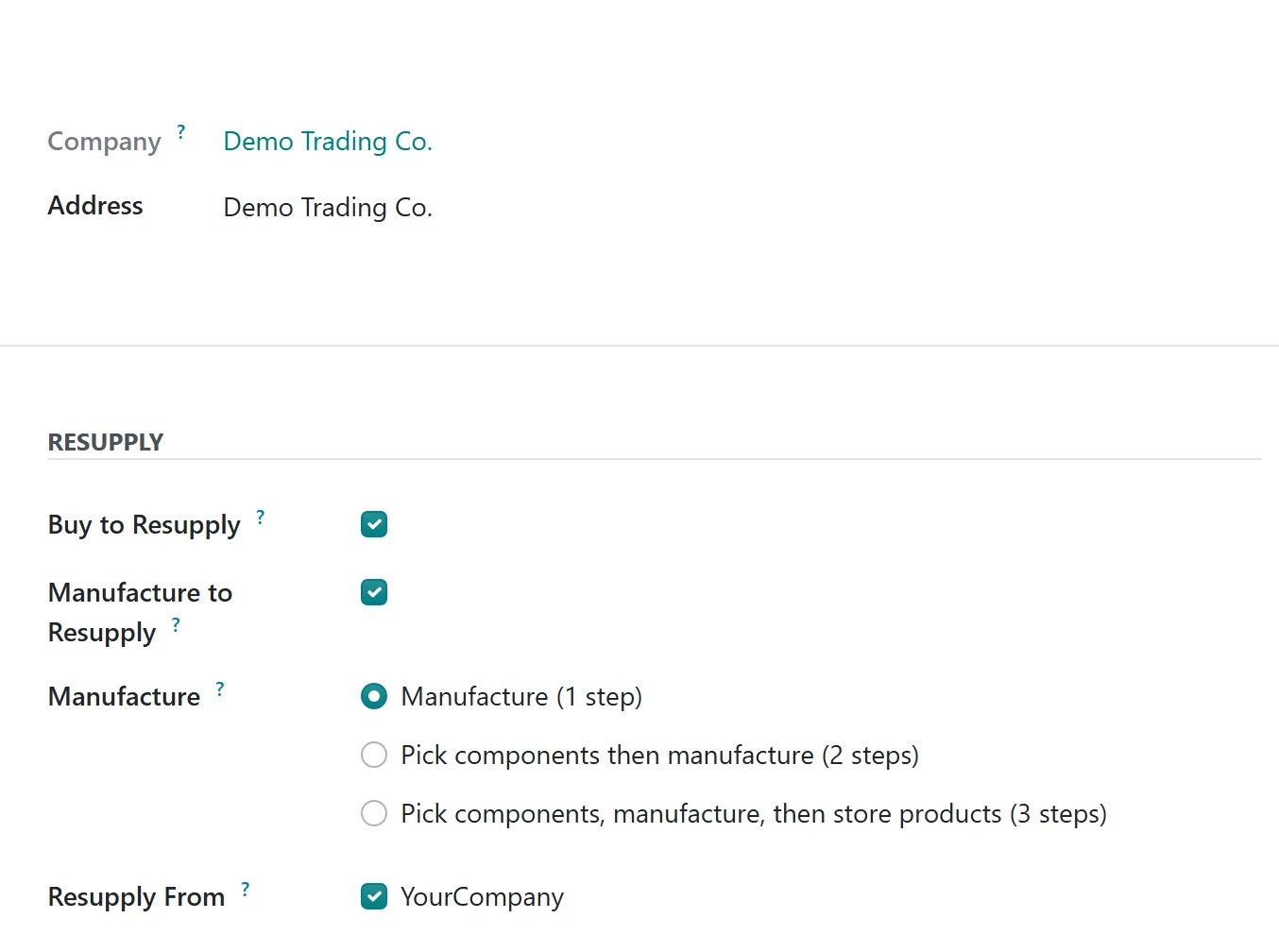
The resupply route becomes selectable on products and product categories. A product that should always come from the central store gets the route; a product the branch buys locally, such as fresh pastries from a nearby bakery, does not.

Add a reordering rule on the branch for the items that run low every week, and the branch asks the central store for them instead of phoning a supplier.
Where does central purchasing fit?
Purchasing happens once, against the central warehouse. The roaster, the dairy and the packaging supplier each get one purchase order, at the negotiated price, and the branches draw from that stock through their resupply routes.
The benefits are practical:
- One set of supplier prices and payment terms.
- Branch managers stop placing their own orders.
- The central team sees total demand across all branches before ordering.
What should you decide before go-live?
| Question | Why it matters |
|---|---|
| Which items are resupplied centrally and which are bought locally? | It decides which products get the resupply route. |
| Who approves transfers to branches? | Some chains let branches pull freely; others review every request. |
| How often are branch counts done? | Wastage in food service is real, and counts keep stock honest. |
| One company or several? | Franchised outlets usually need separate companies. |
FAQ
Can one product be resupplied centrally for some branches and bought locally for others?
Yes. Routes can be set on the product or on the product category, and each branch warehouse has its own resupply route, so you choose which route applies.
Do the tills need to be online all the time?
Point of Sale can keep selling through short connection drops and syncs orders when the connection returns. Test your own network conditions before relying on that at a busy branch.
Can a branch see another branch's stock?
Inventory reports can show stock by warehouse, so a manager with access can check whether a nearby branch has spare stock before asking the central store.
Next step
If you are planning a multi-branch rollout, our Odoo implementation team can map your branches, routes and tills before any data goes in. For background on the apps, see our Point of Sale guide and Inventory guide.


